Audio to Video Maker
Upload your audio and let AI turn it into a polished faceless short video. ShortsMate automatically builds captions, visuals, and pacing around your voice so you can turn recordings, voice notes, or podcast clips into publish-ready videos faster.
Select Duration
AI Images
AI generated images with motion effect
AI Videos
AI generated video clips
Stock Videos
Satisfying videos that grab attention
Enable motion effect
Alloy
#none
How to Turn Audio into Video
Go from recorded speech to an AI-built short video in four straightforward steps.
An Audio to Video Maker That Builds Around Your Voice
Once the spoken track is ready, the rest of production should not feel manual. ShortsMate keeps your audio at the center while AI handles captions, timing, visual planning, and faceless-video assembly.
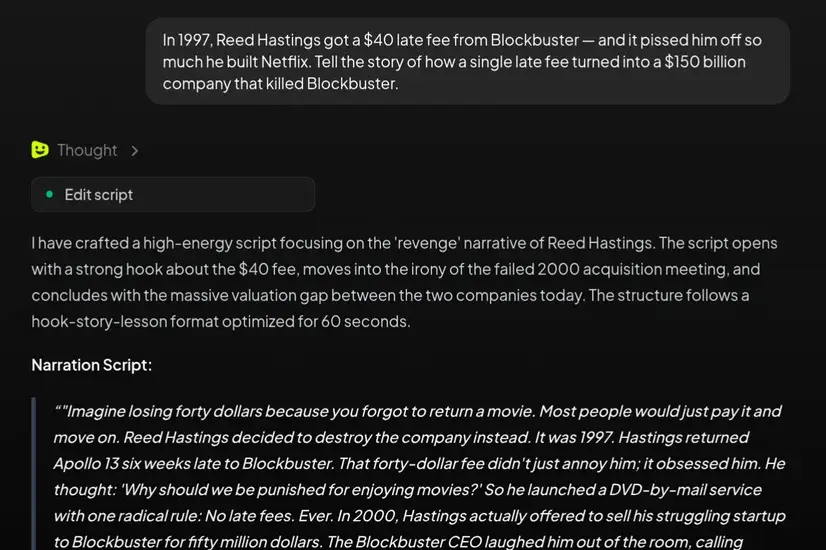
Start with recorded audio, not a blank edit
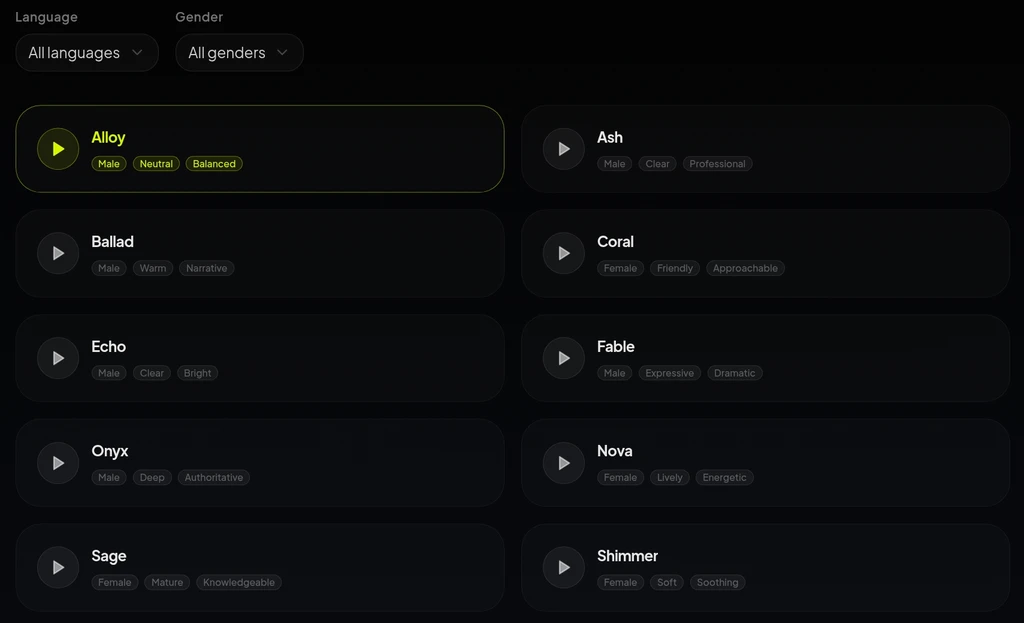
Let AI build captions and pacing around the voice track
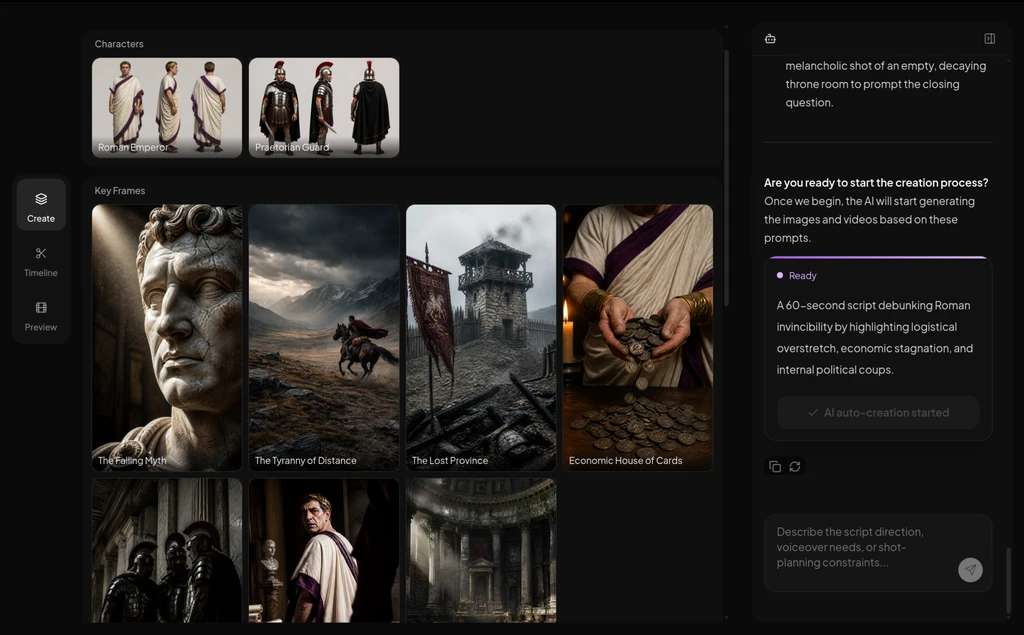
Add relevant visuals without breaking the audio-first flow
When an Audio to Video Maker Is the Better Fit
When the spoken content already exists, an audio-first AI workflow is often the fastest way to turn it into a watchable short without rebuilding the whole project.
Voice notes into social explainers
Turn a rough spoken draft into a captioned short video that feels clearer, more visual, and more publishable.
Podcast clips into faceless shorts
Pull strong moments from longer audio and let AI package them with subtitles, pacing, and relevant visuals for short-form distribution.
Narrated lessons and explainers
Keep the teaching audio at the center while AI adds the captions and scenes that make it easier to watch.
Approved audio into faster content reuse
When the voice track is already approved, turn it into more publish-ready video output without restarting production.
Audio to Video Maker: Common Questions
Best when the voice track already carries the message and you want AI to take care of the rest of production.
What is an audio to video maker?
An audio to video maker helps you turn recorded speech into a video with AI-generated captions, visuals, and short-form pacing. It works best when the audio already exists and you want AI to build the video around that voice track.
What kinds of audio fit this workflow best?
Voice notes, narration exports, interview clips, podcast segments, lesson audio, and commentary recordings are all strong fits. If the spoken message is already there, AI can use it as the production anchor.
Do I need a polished studio-quality recording first?
No. A clean recording can help, but you do not need perfect studio audio to get started. If the recording already communicates the message, AI can still build captions, visuals, and a first video draft around it.
Can I add captions and visuals around the audio automatically?
Yes. That is the main value of this audio-first path. AI can generate captions, align timing, and assemble visuals so the video follows the spoken track instead of forcing you to build everything by hand.
Can I use stock footage instead of fully generated scenes?
Yes. If speed, familiarity, or repeatability matters more than custom scenes, an audio-led faceless format with stock-footage structure can be the better fit.
How is this different from script to video or voiceover video maker pages?
Start here when the recording already exists. If your ideas are still written down, a script-first path is better. If you still need to create or shape the narration itself, the voiceover-first path is usually the better starting point.
Turn Recorded Audio into a Publish-Ready Video Faster
Bring in the voice track and let AI handle captions, visual planning, and short-form assembly so you can move from audio to finished video with less manual work.