Script to Video Maker
Paste your script and let AI turn it into a polished faceless short video. ShortsMate automatically builds the voiceover, captions, visuals, and pacing around your words so you can go from script to publish-ready video faster.
Select Duration
AI Images
AI generated images with motion effect
AI Videos
AI generated video clips
Stock Videos
Satisfying videos that grab attention
Enable motion effect
Alloy
#none
How to Turn a Script into Video
Go from script to AI-generated, publish-ready short video in four straightforward steps.
A Script to Video Workflow That Starts with Writing
When the script is already doing the heavy lifting, AI should take over the production work that comes next. ShortsMate builds the narration, captions, scene direction, and visuals around your script so you can move faster with less manual assembly.
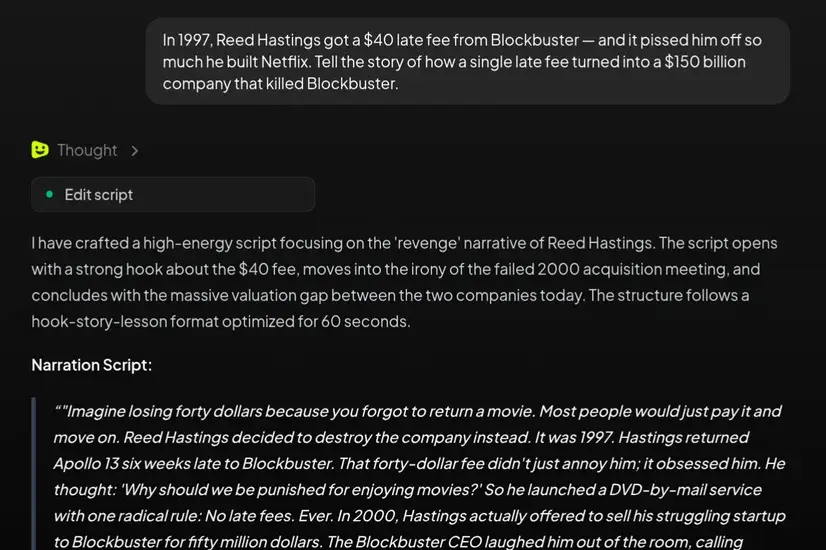
Start with a written script instead of a blank timeline
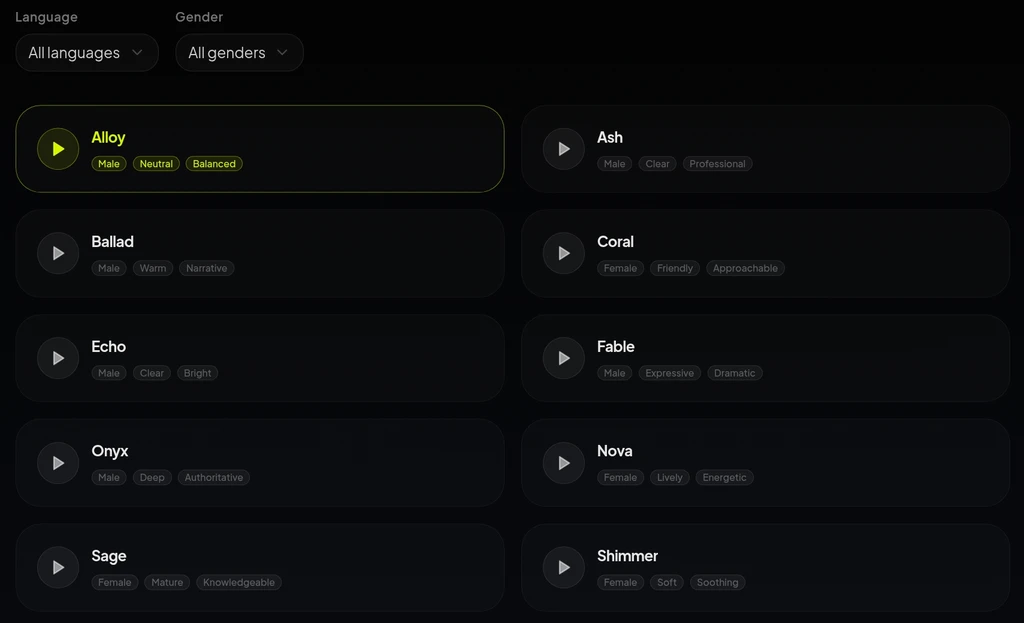
Pair narration, captions, and pacing in one flow
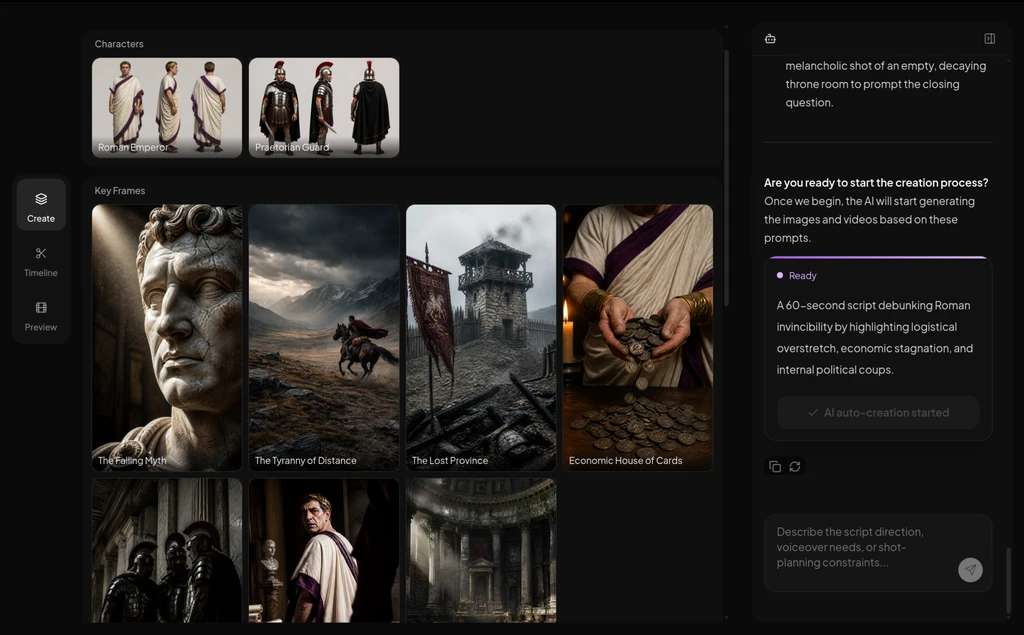
Choose AI visuals or stock-footage structure
When a Script to Video Maker Is the Better Fit
If the words are already drafted, starting from the script usually gives AI enough direction to build a stronger short video with less friction and fewer production handoffs.
Educational explainers and lessons
Turn a teaching script, lesson outline, or research summary into an AI-produced short video with narration, readable captions, and structured pacing.
Faceless commentary and opinion shorts
Use a strong spoken script to let AI assemble commentary, history, ranking, or analysis videos without filming on camera.
Scripted product promos and feature stories
Take a launch script or product story and turn it into a short-form video with AI-generated voiceover, captions, and visuals.
Repurposed blog, newsletter, or research content
Convert already-written source material into short video output without rewriting everything for a blank video tool or manually assembling every asset.
Script to Video Maker: Common Questions
A strong fit when the script already carries the message and you want AI to catch the rest of production up quickly.
What is a script to video maker?
A script to video maker helps you turn written narration, outlines, or talking points into a video with AI-generated voiceover, captions, visuals, and short-form pacing. It works best when the message is already clear and the next challenge is getting AI to build the video around it.
Can I start with a rough outline instead of a polished final script?
Yes. A rough outline, bullet list, or draft is often enough to get moving. Once the idea is structured, AI can use that structure to start building narration, captions, scene direction, and visuals around it.
Do I need to record my own voiceover first?
No. If the script is ready, AI can generate the narration and keep production moving without waiting for you to record audio first.
Can I make faceless videos with stock footage instead of fully generated scenes?
Yes. That is one of the biggest advantages of starting from a script. You can keep the spoken structure, then choose stock-footage-friendly visuals when speed and repeatability matter more than fully custom scenes.
What kinds of videos fit a script to video workflow best?
It is a strong fit for explainers, commentary shorts, educational clips, product stories, list videos, and other narration-led formats where the writing is already doing most of the communication work and AI can take over the production layer.
How is this different from audio to video or faceless video generator pages?
Start here when your idea already exists as a script or outline and you want AI to build the video around it. If you already have recorded audio, an audio-led path is usually a better fit. If you are still comparing broader faceless-video options, a more general entry point will be more useful.
Turn Your Next Script into a Video Worth Publishing
Start with the script, set the direction, and let AI turn clear writing into polished faceless content faster.