Voiceover Video Maker
Upload a narration track or start from a voiceover script, and let AI turn it into a polished faceless short video. ShortsMate automatically builds the captions, visuals, pacing, and scene flow around your spoken message so you can get to a publish-ready cut faster.
Select Duration
AI Images
AI generated images with motion effect
AI Videos
AI generated video clips
Stock Videos
Satisfying videos that grab attention
Enable motion effect
Alloy
#none
How to Turn Voiceover into Video
Bring the spoken story, let AI build around it, then review and refine the result.
Let AI Build the Video Around What You Say
When the narration already carries the message, you should not have to manually map every caption, scene, and timing beat. ShortsMate uses your voiceover as the backbone, then has the AI agent generate the structure, visuals, and pacing that turn spoken content into a finished short video.
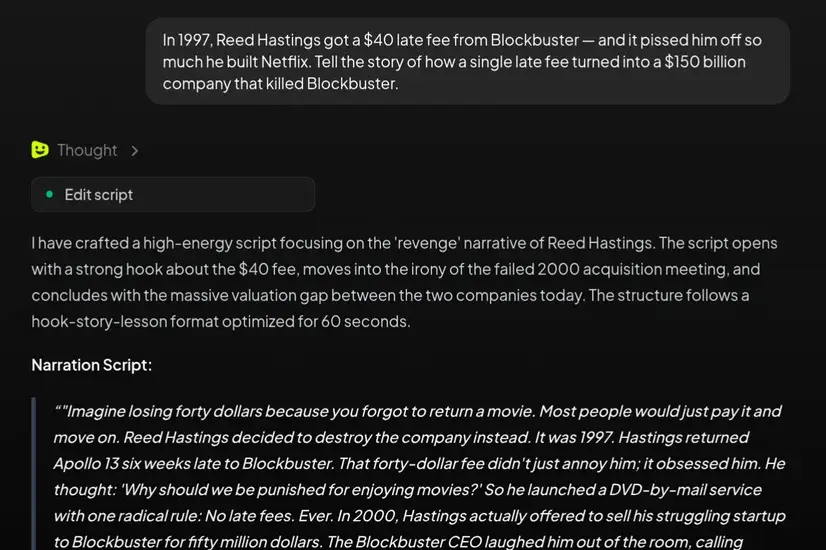
Make the narration the engine of the whole video
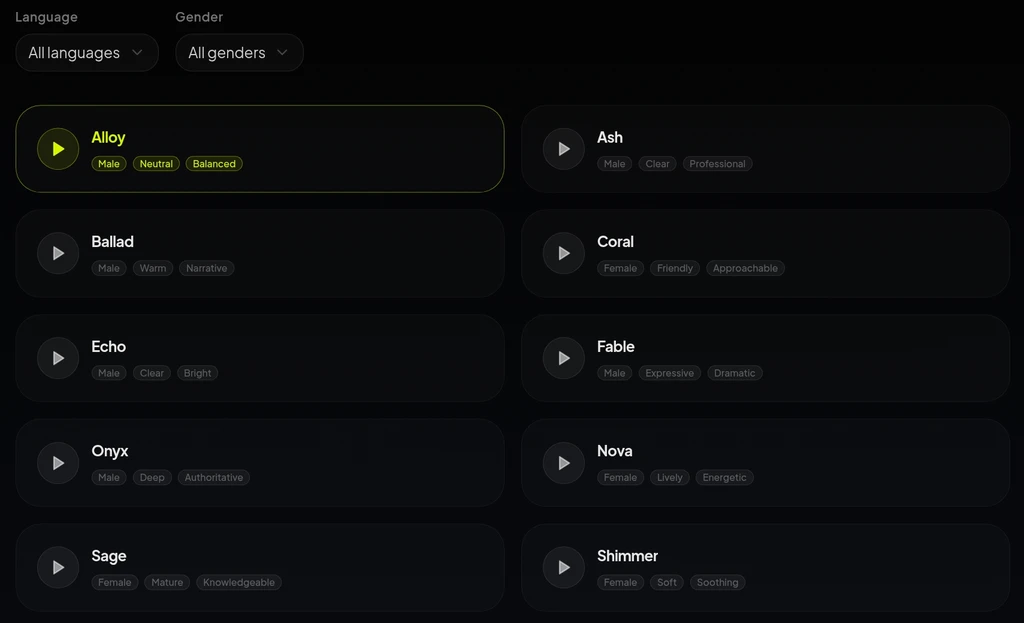
Generate captions and visuals that stay on message
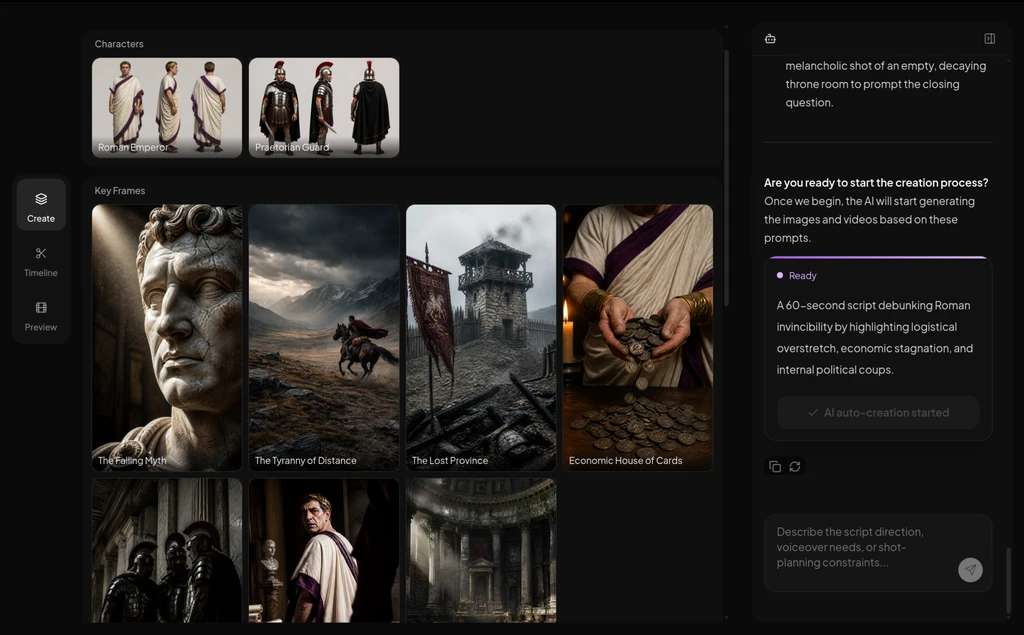
Move from spoken track to publish-ready short faster
When a Voiceover Video Maker Is the Better Fit
If the voice already carries the story, starting from narration is usually faster and cleaner than rebuilding the same idea in a blank editor or a broader audio workflow.
Explainers and educational narration
Turn a lesson, explanation, or tutorial voiceover into a short video with captions, visuals, and a clearer pacing structure.
Faceless commentary and story-led shorts
Use a strong narrated track to drive commentary, list videos, history clips, and story formats without filming on camera.
Product demos, promos, and ad reads
Take promo narration or ad copy and let AI assemble the captions, visuals, and pacing into a cleaner short-form video.
Repurposed podcast, speech, or narration assets
Reuse spoken content you already have and turn it into short-form output without planning every scene from scratch.
Voiceover Video Maker: Common Questions
A strong fit when the spoken track already carries the message and you want AI to build the production layer around it.
What is a voiceover video maker?
A voiceover video maker turns narration into a short video with AI-generated captions, visuals, scene structure, and pacing. It fits best when the voice already carries the core message and you want the production layer built around it.
Do I need a recorded voiceover before I start?
No. You can start with a finished voice track or a script that is ready to become narration. Once the spoken structure is clear, AI can build the captions, visuals, and timing around it.
Can I use AI voiceover instead of recording myself?
Yes. If you do not want to record manually, AI can generate the narration and keep the rest of the video workflow moving from there.
Will captions and timing follow the narration?
Yes. In a narration-first flow, the voiceover acts as the main timing guide, so captions, pacing, and scene changes are shaped around the spoken delivery instead of patched in later.
Can I use stock footage instead of fully generated scenes?
Yes. You can keep the voiceover-first structure and pair it with stock-friendly visual modes when speed, repeatability, or simpler faceless output matters more than fully custom scenes.
When should I choose a different starting point?
Start with a script-first path when the words still live on the page. Choose an audio-led path when you are repurposing broader recorded audio like interviews or podcast clips. Start with voice generation first if you only need to create the narration itself.
Turn Voiceover into a Finished Video Faster
Bring the narration, let the AI agent handle captions, visuals, and pacing, and move from spoken track to polished short-form video with less manual work.