Documentary Video Maker
Paste your research notes, timeline, or script and let AI turn it into a documentary-style faceless video. ShortsMate builds the narration, captions, visuals, and pacing around your story so you can publish polished explainers faster.
Select Duration
AI Images
AI generated images with motion effect
AI Videos
AI generated video clips
Stock Videos
Satisfying videos that grab attention
Enable motion effect
Alloy
#none
How to Turn Research into a Documentary Video
Go from notes or script to an AI-built documentary-style short in four straightforward steps.
Let AI Carry the Production Work Behind Documentary Shorts
Once the story is researched and the angle is clear, AI should take over the slow production work. ShortsMate turns your notes or script into narration, captions, visual structure, and pacing so you can keep the documentary shape without assembling every layer by hand.
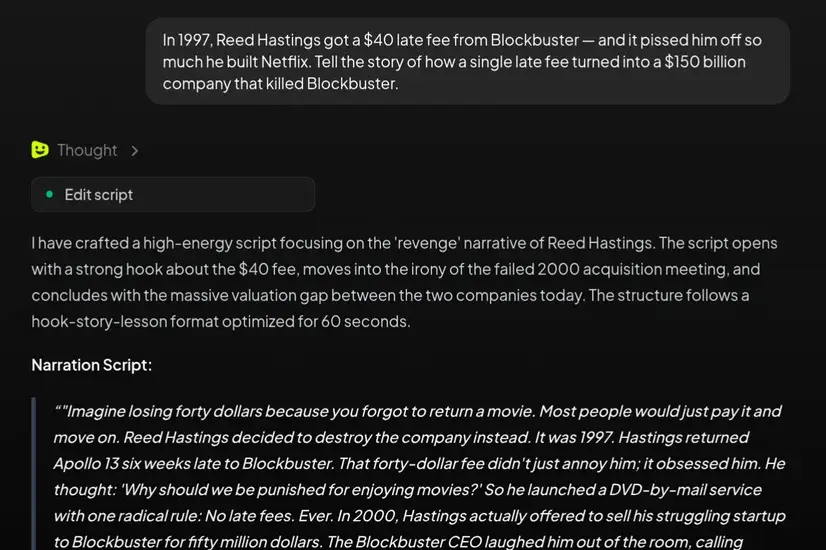
Start from research and story structure instead of a blank timeline
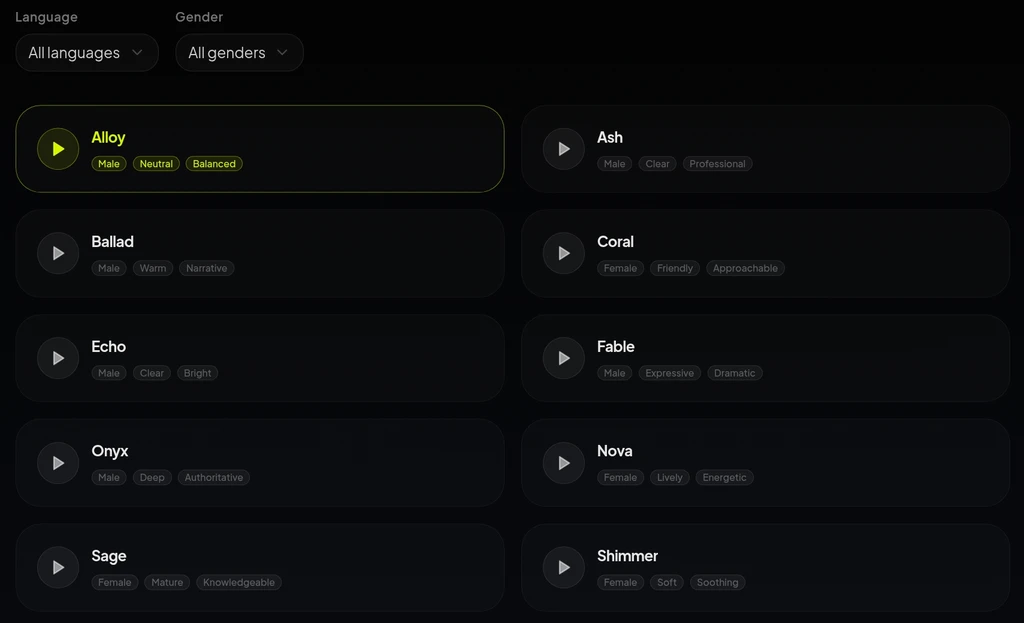
Let AI line up narration, captions, and pacing
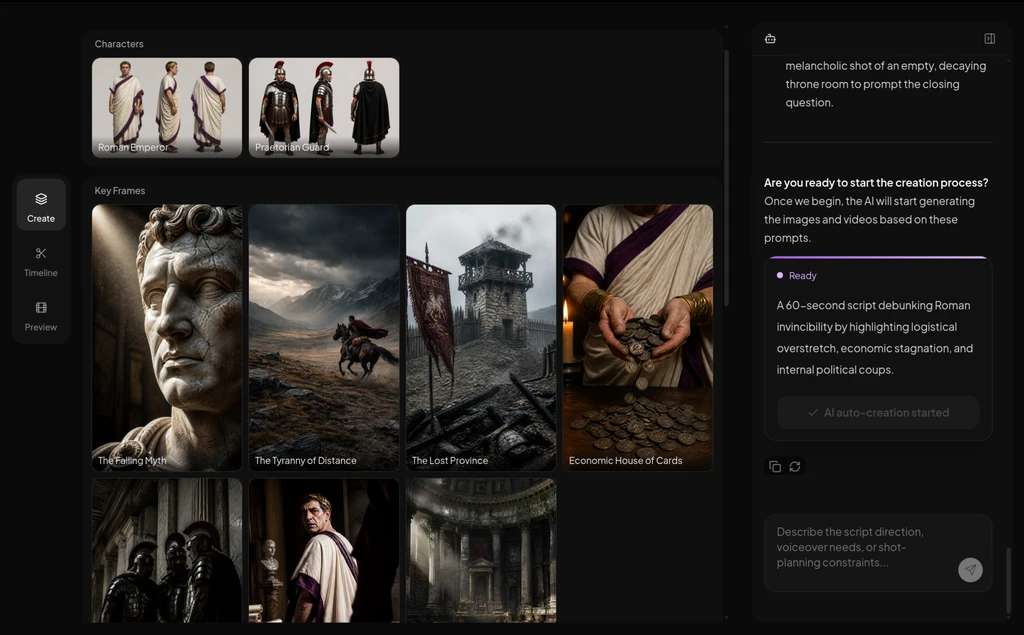
Mix AI visuals with stock-footage-friendly structure
When a Documentary Video Maker Is the Better Fit
If the story depends on chronology, explanation, or source-backed structure, a documentary-style AI workflow usually gets you to a clearer short faster than a blank editor or a generic prompt.
History and timeline explainers
Turn a historical topic, event breakdown, or chronology-based story into a narrated short video with clearer structure and visual support.
Research-backed educational videos
Use notes, source summaries, or teaching material to create documentary-style lessons with captions, narration, and faceless pacing.
Case studies and business breakdowns
Take a company story, industry shift, or research-backed breakdown and package it into a faceless documentary format.
Narrated story-led shorts
Build short documentary clips where the spoken story carries the meaning and the visuals support the explanation instead of replacing it.
Documentary Video Maker: Common Questions
Best when the story depends on research, chronology, or explanation and you want AI to take over the production layer.
What is a documentary video maker?
A documentary video maker helps turn research notes, a chronology, or a structured script into a documentary-style video with AI-generated narration, captions, visuals, and pacing. It fits best when the story needs explanation and structure, not just a loose prompt.
Do I need a finished documentary script before I start?
No. Research notes, an outline, or a rough narration draft is enough to get moving. Once the story structure is clear, AI can start shaping narration, captions, and visuals around it.
Can I use stock footage instead of fully generated scenes?
Yes. Many documentary-style videos work better with supportive visual coverage than fully custom scenes. You can let AI keep the narration and pacing aligned while using a more stock-friendly visual approach.
Does the tool fact-check for me?
No. AI helps with production, not factual verification. You still need to own the research quality, source checking, and editorial judgment behind the documentary story.
What kinds of videos fit this workflow best?
Use it for history explainers, educational breakdowns, case studies, origin stories, and other narration-led faceless videos where story structure matters as much as the visuals.
How is this different from script to video or faceless video generator pages?
Start here when research, chronology, or explanation is what makes the video work. If you mainly just have a general written script, the script-first path is usually enough; if you are still comparing broader AI faceless-video options, the general faceless entry is a better fit.
Let AI Turn Your Research into a Documentary Video
Bring the notes, timeline, or script. ShortsMate can build the narration, captions, visuals, and pacing around your story so you can move toward a polished short with less manual assembly.